Google Pixel Update Issues: Why You Should Wait Before Updating
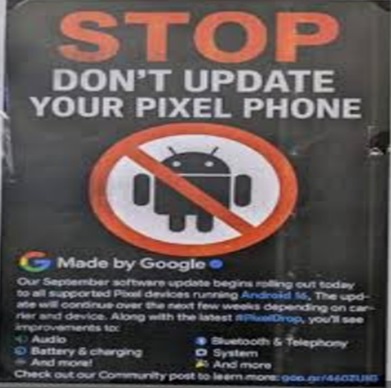
Recent software updates for Google Pixel devices have raised serious concerns among users.
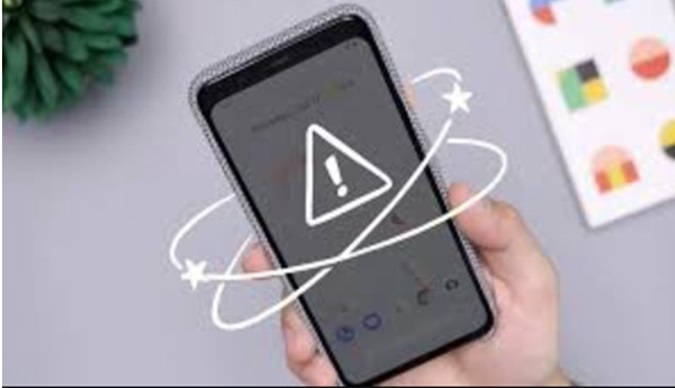
While updates are usually meant to improve performance and security, many Pixel owners are reporting connectivity problems, sluggish performance, and battery drain after installing the latest versions.
If your device is working fine, it may be wise to delay updating until stability is confirmed.

Common Problems Reported by Users
After recent updates, users have experienced several issues affecting daily usability:
1. Connectivity Problems
- Wi-Fi not connecting or not showing networks
- Bluetooth failing to detect devices
- Toggle buttons becoming unresponsive
In some cases, users even reported hardware-related malfunctions, such as camera issues after updates.
2. Performance Slowdowns
Even small updates have caused:
- Sluggish system performance
- Launcher lag and delayed app loading
- Occasional screen glitches
Devices that previously ran smoothly suddenly feel slow and unresponsive, impacting everyday usage.
3. Navigation and Touch Issues
Many users have reported problems with:
- Swipe gestures not working properly
- Delayed navigation buttons
- Unresponsive touchscreens
These issues directly affect how users interact with their phones, making even simple tasks frustrating.
Problems Across Multiple Pixel Models
The issues are not limited to a single device. Reports span across:
- Pixel 6 series
- Pixel 7 series
- Pixel 8 series
- Pixel 9 and newer models
Updates involving Android 15 and Android 16 have been linked to:
- Excessive battery drain
- Overheating
- Random restarts
- Screen glitches
This widespread pattern suggests a broader software stability issue, not isolated cases.
Why These Issues Matter
Smartphones are essential for:
- Communication
- Work
- Navigation
- Entertainment
When updates break core features like:
- Connectivity
- Battery life
- System responsiveness
they disrupt daily life significantly.
Even though fixes may come later, users may have to deal with weeks of instability before patches arrive.
Should You Update Your Pixel Right Now?
Here’s a practical recommendation:
Delay the update if:
- Your phone is working perfectly
- You rely on your device for critical tasks
- You want to avoid unexpected bugs
Update if:
- A stable patch has been confirmed
- You need the latest security fixes urgently
Waiting a few weeks allows time for:
- Bug reports to surface
- Fixes to be released
- Stability improvements
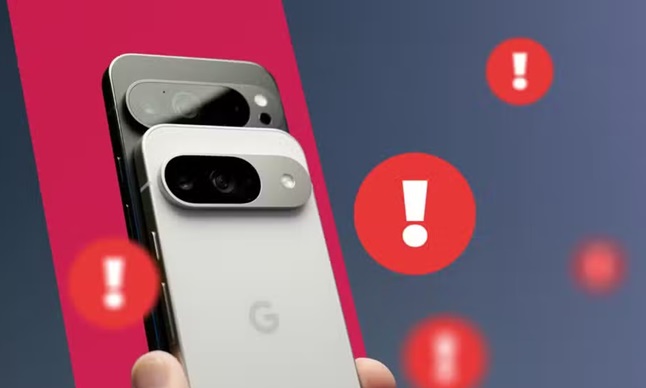
The recent Google Pixel update issues highlight an important reality:
Not every update improves your device immediately.
While updates remain essential for long-term security, installing them too early can lead to:
- Performance problems
- Connectivity failures
- Reduced reliability
If your Pixel is running smoothly, the safest approach is to wait for user feedback and confirmed fixes before updating.
You may also like Honor Pad X8b: Big Battery Budget Tablet